Performance Management Software That Measures What Actually Matters
Set it up in four quick steps: choose KPIs, set their importance, assign them, and start the review. Attendance-based scores calculate themselves, so managers only rate what a system can't count.
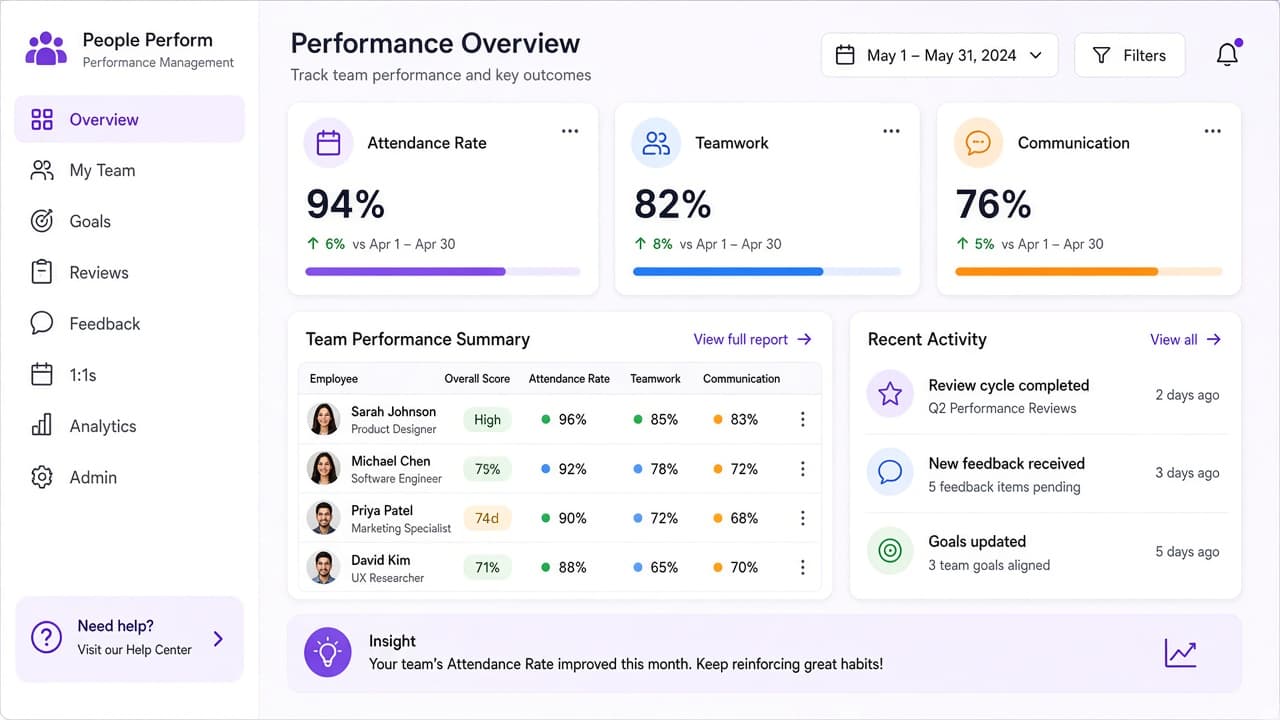
4-step
Quick setup
Auto
Attendance KPIs
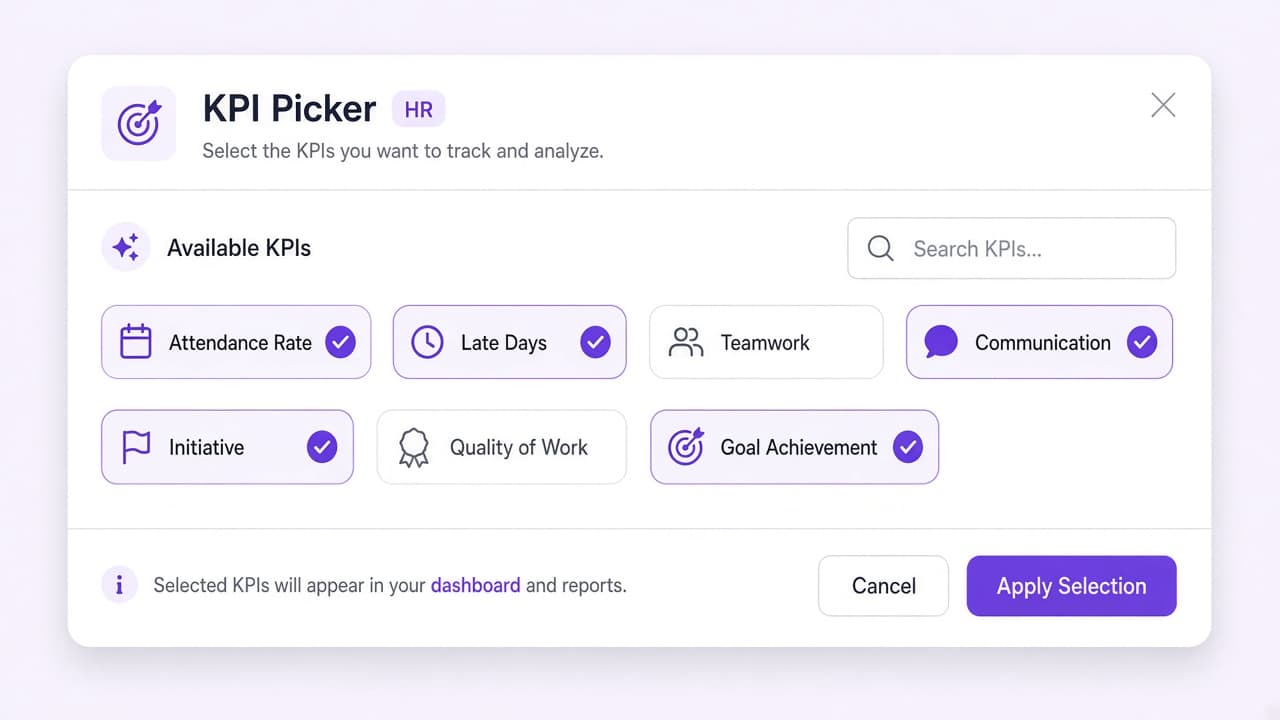
Pick What You Measure. Skip the Blank-Page Problem.
Ordinify comes with ready-made KPIs you can add in a tap, from Attendance Rate and Late Days to Teamwork, Communication, Initiative, Quality of Work, and Goal Achievement. Need something specific? Build your own, and define what good looks like for each one.
Let the System Count. Let Managers Judge.
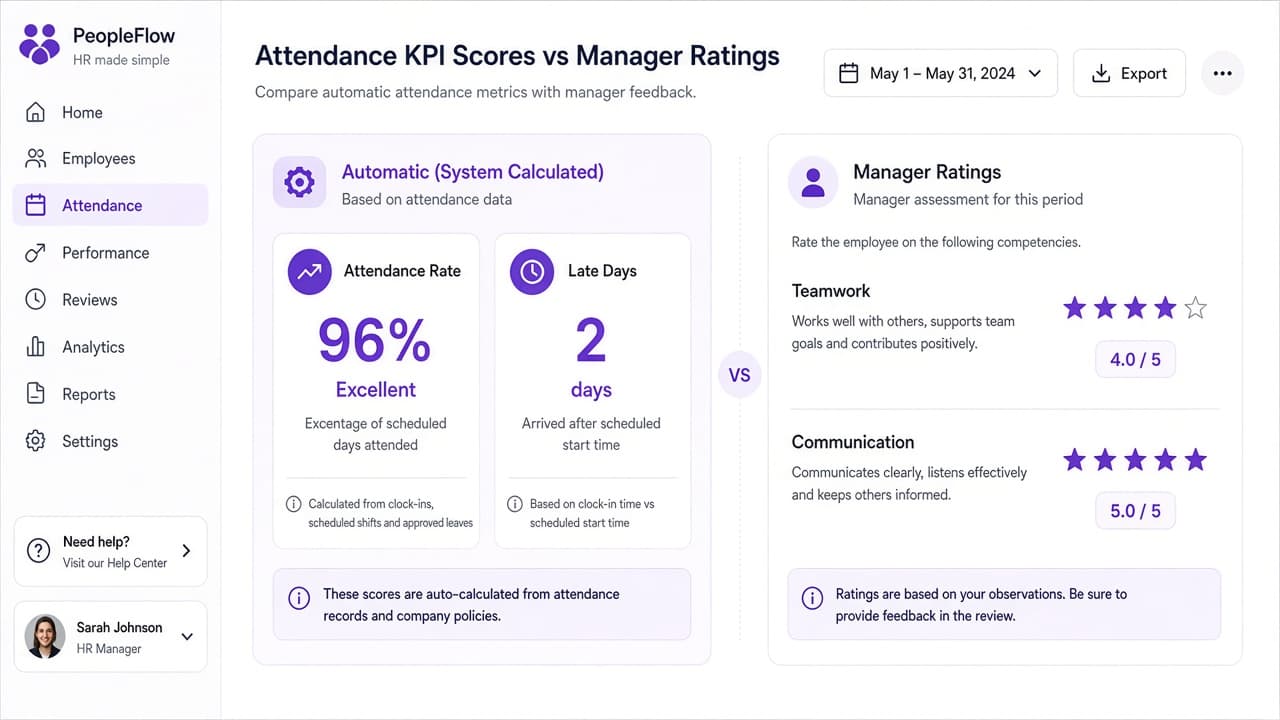
Attendance Rate, Late Days, Absent Days, Present Days, and Leave Days Taken are calculated automatically from the attendance and leave records already in Ordinify, so nobody re-types numbers into a review form. Managers rate only what a system can't count, like teamwork, communication, initiative, and quality of work, and every KPI is clearly marked as automatic or manager-rated, so there's never any doubt where a score came from.
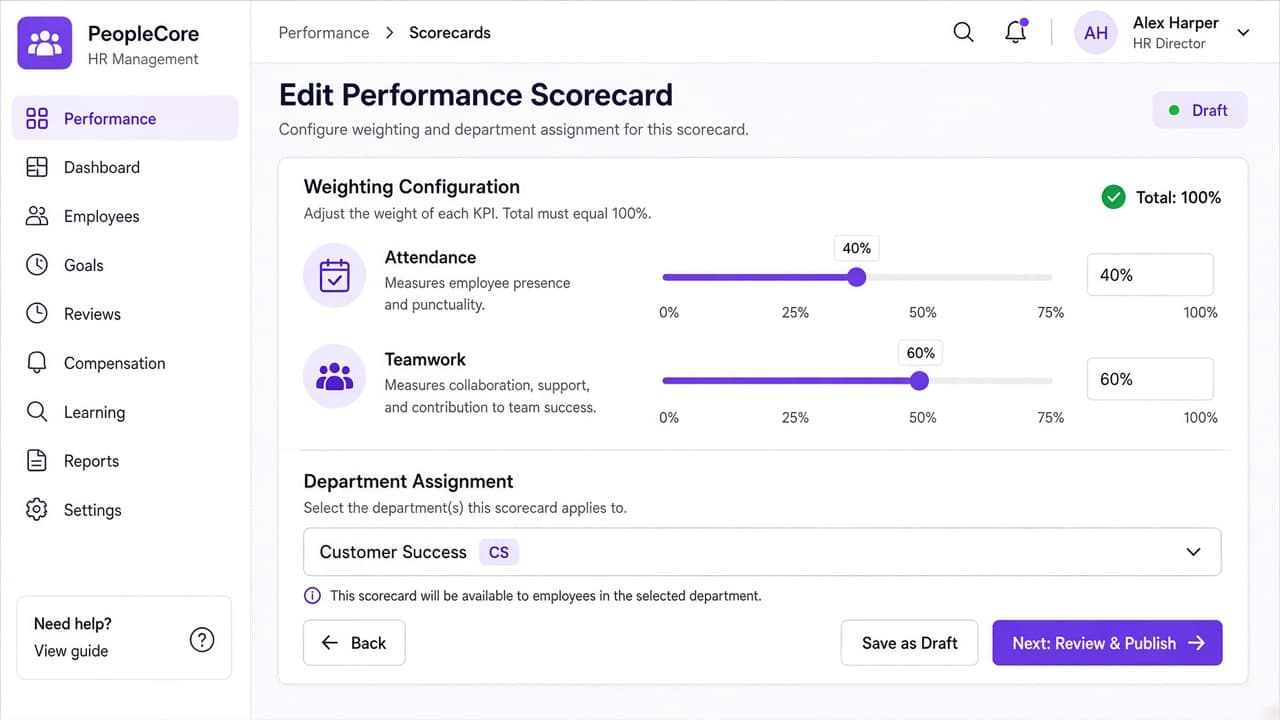
Sales and Support Shouldn't Share One Yardstick
Group KPIs into a scorecard and decide how much each one counts, for example Attendance 40% and Teamwork 60%. Then assign it to everyone, a department, a branch, a designation, or a single person, so each team is measured against what its role actually demands.
Reviews That Calculate Overnight and Lock When They're Final
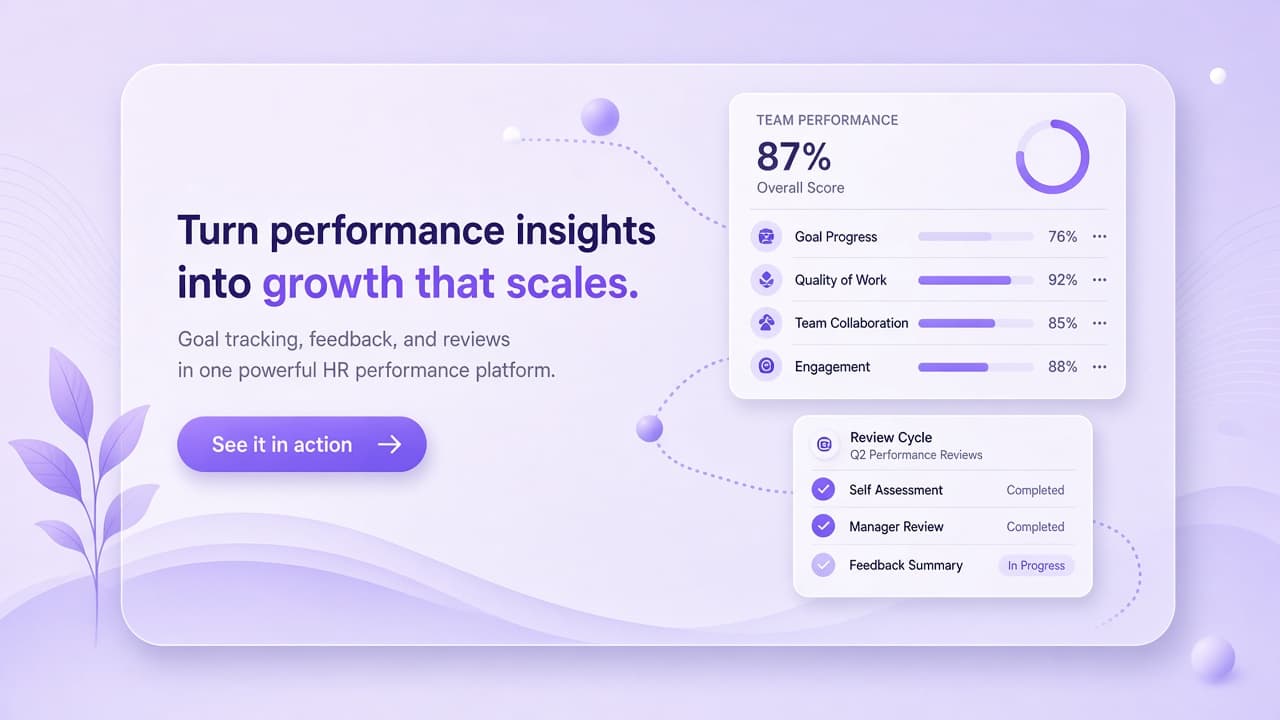
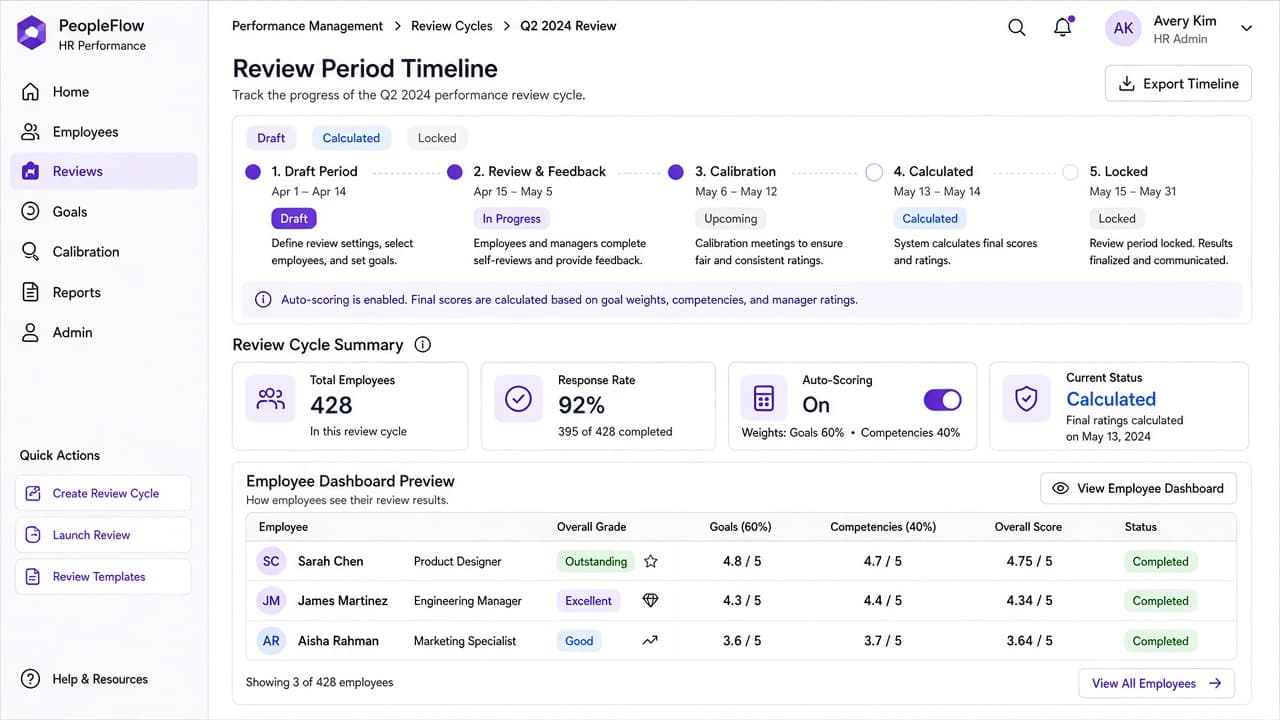
Start a review period, calculate when you're ready, and lock it once it's final. Switch on auto-scoring and results fill in overnight when a period ends, with no one clicking Calculate by hand. Each overall score maps to a grade like Outstanding, Excellent, or Needs Improvement, shown right on the employee dashboard, with grade ranges you set yourself.
We make HR simple — trusted by growing teams worldwide
15X
reduction in onboarding time
Appraisals used to mean a separate spreadsheet for every manager. Now attendance scores calculate themselves, and managers only rate what a system can't count.
[Client Name], HR Manager
[Company Name]


